
For CPAs & Accountants
Your Client Wants to Switch Payroll. Here’s What to Check First.
A CPA’s guide to moving payroll history, tax setup, and completing the first payroll run without any surprises.
On this page
Payroll is sticky and clients rarely switch payroll systems over one bad day. It’s the little things that add up. The employee who wasn't set up correctly. The tax notice nobody expected. The support ticket that takes too long to resolve. Or the business owner who's had enough of moving money around just to make payday work.
Eventually, someone asks their accountant the question: "Should we just switch payroll?"
And just like that, their payroll problem becomes your problem.
Because switching payroll providers isn't simply a matter of moving employee names, pay rates, and direct deposit information into a new system. There's payroll history to account for, tax records to review, deductions to configure, and a first payroll that needs to go as planned. If you're the accountant or CPA helping a client make the move, a little preparation can make the difference between a smooth transition and a very long email thread.
Here’s what to check before making any final decisions.
Switching payroll is more than moving employee information
On the surface, payroll migration sounds straightforward. Get the employee information, transfer the data, set up the new provider, and run payroll.
But employee information is only part of the picture. The new system also needs the right payroll history, year-to-date wages, tax withholding, deductions, employer contributions, and other information relevant to the client's payroll and reporting. Why? Because payroll math runs on the year so far. The new system needs accurate year-to-date numbers so it can tell if an employee has hit their Social Security wage base or the state unemployment cap. The new system needs to be able to track annual 401k limits and produce accurate W-2s when January comes around.
Depending on the business, there may also be state registrations, benefits, retirement contributions, multiple pay schedules, or outstanding tax issues to consider.
That's why it's worth getting involved before the client signs up for a new provider, rather than trying to sort everything out a few days before their next payroll run.
What should you review before your client switches payroll?
Every business is different, but there are a few areas worth reviewing whenever a client is considering a payroll transition.
Area | What to review |
|---|---|
Payroll history | Year-to-date wages, taxes withheld, deductions, employer contributions, and prior payroll reports. |
Tax filings | Federal and state filing history, outstanding liabilities, corrections, notices, and reporting responsibilities. |
Employee setup | Employee details, compensation, direct deposit, withholding elections, and employment information. |
Benefits and deductions | Retirement plans, insurance, garnishments, and recurring deductions. |
State registrations | Applicable state tax accounts, withholding, unemployment, and other employer registrations. |
Pay schedules | Pay frequency, payroll calendar, upcoming pay dates, and processing deadlines. |
Accounting integration | General ledger mapping, payroll journal entries, and how payroll will reconcile with the client's books. |
First payroll | Who reviews the setup, verifies calculations, confirms funding, and checks the first run. |
This is also where your client's outgoing and incoming payroll providers matter. Understand what information the outgoing provider can supply, what the new provider will migrate, and what needs to be reviewed or configured separately. Don't assume every provider handles migration the same way.
If the client has employees in multiple states, complicated deductions, or benefits tied to payroll, give those items extra attention. They're often the details that get missed when everyone is focused on getting the new system up and running.
A few questions worth asking before you switch
Your client may be excited about a new payroll system. You may be thinking about what could go wrong. Both are reasonable.
Here are a few questions worth addressing early.
"Is switching payroll going to create more work for my firm?"
It can, particularly if responsibilities aren't clear. Before the transition begins, agree on who handles employee data, who reviews historical payroll information, who checks tax setup, and who is responsible for the first payroll. Your firm shouldn't automatically become responsible for every migration task just because you're the accountant.
"What happens to our year-to-date payroll data?"
It has to come with you. A new provider may migrate certain records, but you should understand what's included and what remains your responsibility to review. Prior-year records, corrections, and reporting obligations don't disappear when a client changes payroll providers.
"Do we have to wait until January?"
Not necessarily. January is certainly the easiest and most tidy, but the start of a quarter also works well since each provider owns full quarter of filings. Switching mid quarter is a little more work, but absolutely doable. You just want to make sure to be clear on who files what for that quarter, and make sure year-to-date wages come over so employees don’t end up with two W-2s. Consider the client's pay schedule, payroll readiness, outstanding tax matters, and the timing of year-end reporting before recommending a date.
"What if something goes wrong with the first payroll?"
That's precisely why the first run deserves attention. Employee setup, pay schedules, deductions, withholding, funding, and payment timing should be reviewed before submission. The client should also know who to contact if something needs to be corrected.
"Does my client need to change banks, too?"
No. Switching payroll and switching business banking don't necessarily have to happen together. If the client is happy with their existing bank, they may be able to keep it while changing payroll providers. But if the banking and payroll relationship is part of the problem, it's worth looking at that separately.
Not every client should switch. As their accountant or CPA, it’s your job to help them make a well-informed decision and understand what the transition actually involves.
Don't leave the first payroll to chance
The first payroll on a new system deserves a little more attention than an ordinary pay run. Before the client hits submit, go through the payroll line by line: gross pay, withholdings, deductions, net pay, and funding. Once it runs, move to reconciling the books. Our full checklist is below so you don’t have to rely on memory.
While you're switching payroll, take a look at the banking, too
A payroll transition is a good time to look beyond the payroll software itself. Sometimes the software is fine and it’s the money side is the headache.
For many small businesses, payroll starts days before payday. The owner checks what's coming in, what's about to clear, and whether there's enough money to cover everyone. Then they move funds between accounts, wait for transfers, and double-check balances.
It's a routine that can become so familiar that nobody questions it. But payroll and banking don't have to operate as two separate jobs.
At Surf, we started with a simple question: why can't your bank just run payroll?
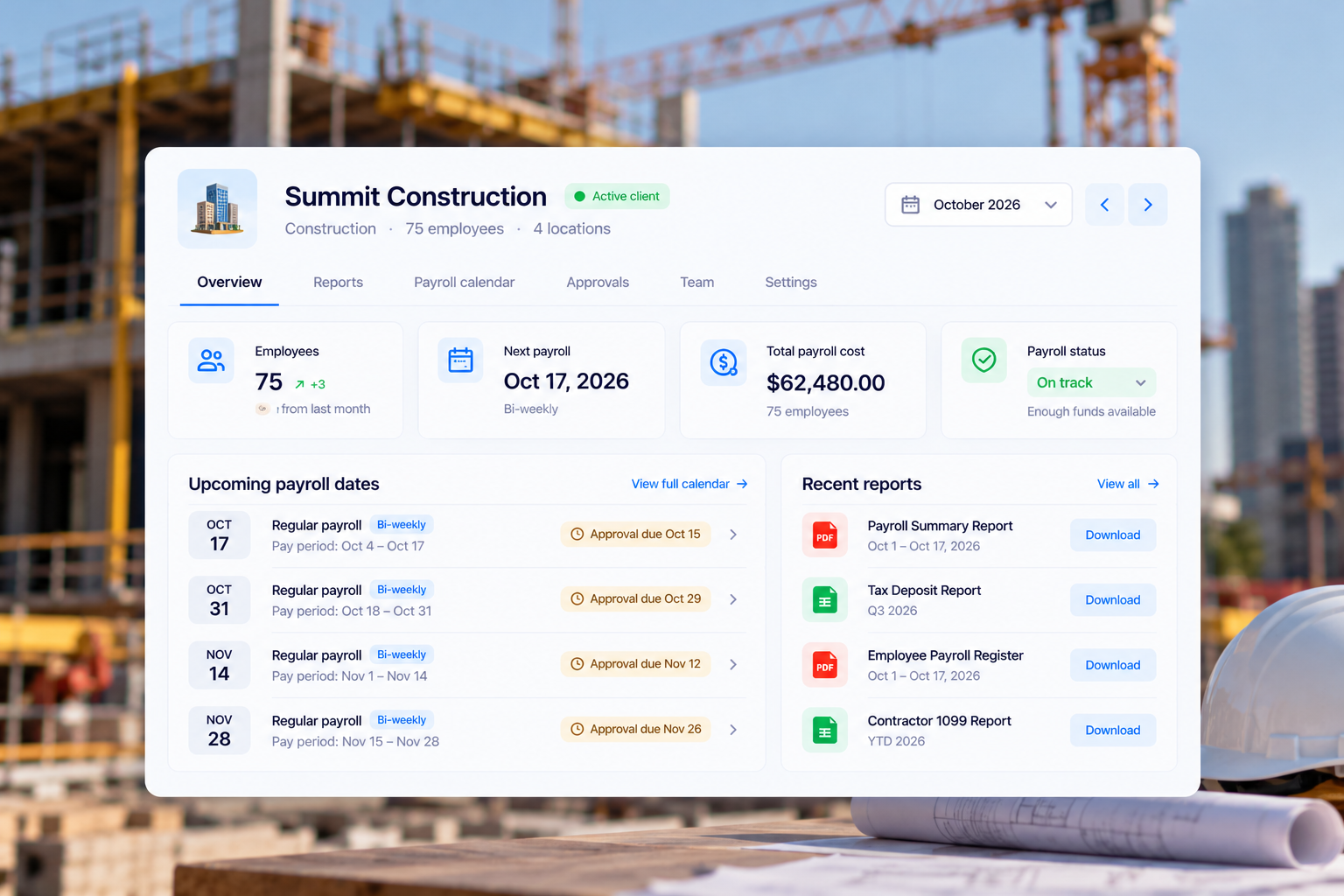
That question led us to build Business Banking + Payroll together. Instead of treating payroll as one system and the money needed to fund it as another, Surf connects the two.
For a business owner, that means banking and payroll can work together in one place. For a CPA, Surf has a dedicated portal for managing all your clients’ payroll, instead of logging into a different system for each one. With Surf, clients can:
Run payroll from their Surf account. Banking and payroll work together in one place.
Run payroll on the day it's due when funds are available. No need to move payroll money days in advance just to make sure it's there.
See whether they have enough to cover payroll. Surf helps businesses understand their available balance and upcoming scheduled debits before running payroll.
Catch certain setup issues before payroll runs. Surf checks state tax setup and flags specific errors that need attention.
Reduce repetitive work. Surf's workflows and automation help with tasks like employee onboarding and payroll preparation.
Switch in about a business week. Quick turnaround so it doesn’t mess with your clients' operations.
Get payroll included. Payroll comes with a Surf account, so it isn’t another bill for them to manage.
And your client doesn’t have to break up with their current bank to make the switch. They can connect their existing bank to Surf and use Surf for payroll.
So when a client asks whether they should switch payroll providers, it's worth asking one more question:
Could their payroll and banking work better together?
Give your clients a checklist before they make the switch
Payroll transitions are easier to manage when everyone knows what needs to happen. That's why we've put together a Payroll Switching Checklist that you can share directly with clients.
It covers the information to gather, the details to review, and the things to confirm before the first payroll runs. Keep it handy for your next year-end payroll conversation, or send it to a client who's already thinking about making a change.
Payroll Switching Checklist: A quick preview
Before the transition
Confirm the target switch date and upcoming pay dates.
Identify who will handle migration and payroll setup.
Gather employee information and payroll history.
Review tax filings, liabilities, notices, and registrations.
Document benefits, deductions, and pay schedules.
Before the first payroll
Verify employee setup and direct deposit.
Review withholding, deductions, and payroll calculations.
Confirm funding and payment timing.
Check the payroll preview before submission.
Confirm payroll completed and reconcile the results.
A better payroll setup can make a difference to your clients
Your clients don't need another complicated system to manage. They need payroll that works, accurate records, a reliable process, and fewer things to worry about on payday.
If a client is considering switching payroll, help them look beyond the software itself. Think about the information that needs to move, the responsibilities that need to be clear, and whether their current banking and payroll setup is creating unnecessary work.
And if you're looking for a payroll platform that connects payroll and business banking, Surf is worth exploring.
Surf is a financial technology company, not a bank. Banking services are provided through Surf's banking partners, including Core Bank, Member FDIC. Terms and conditions apply.